SiteDash
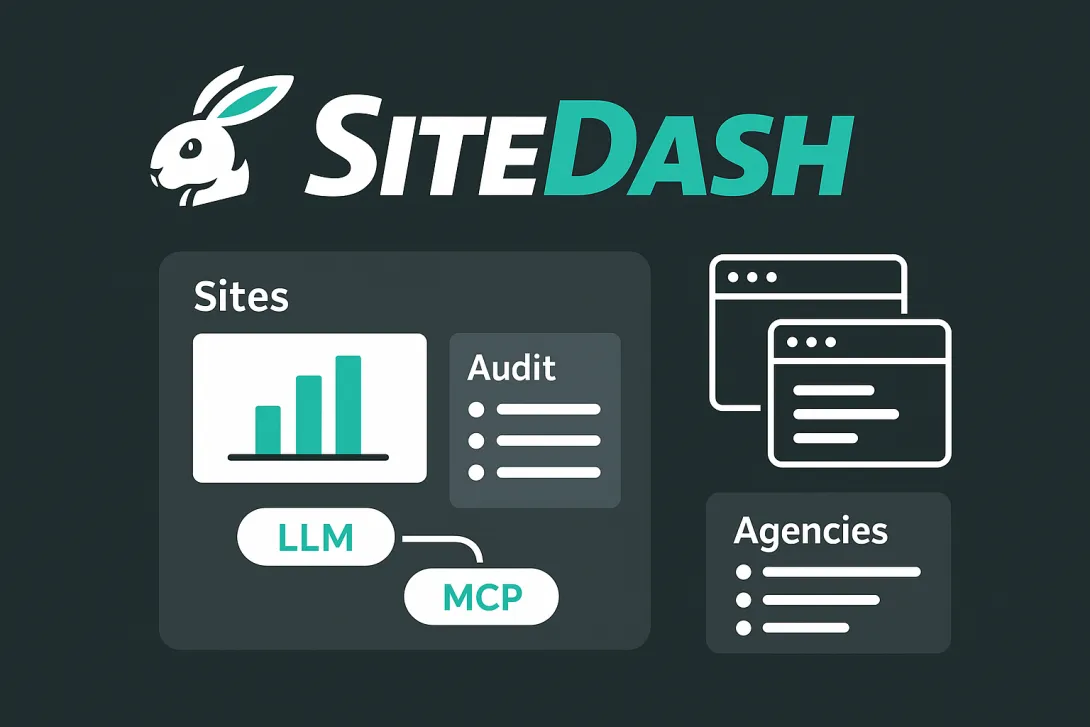
SiteDash is a central dashboard for developers, agencies, and site owners managing multiple Drupal and WordPress sites. It's currently in development. Join the interest list at SiteDash.ai.
The Problem with Multiple Sites
Managing more than a handful of sites means juggling hosting dashboards, repository interfaces, third-party services, and spreadsheets that are never quite up to date. Someone asks which sites need security updates, and you're opening ten browser tabs.
SiteDash aggregates site data in one interface. It connects to the Audit Export Module for Drupal and the Audit Export plugin for WordPress, pulling configuration details, module versions, update status, and hosting information into a unified view. The module supports Drupal 7 through 11, and the plugin works with WordPress 6 and later.
Who This Is For
If you maintain multiple sites, SiteDash gives you clarity. Freelancers with a dozen client projects, agencies balancing portfolios of fifty sites, or product teams needing governance across their web properties all benefit from centralized visibility.
Unified Site Data
Connect your sites and see metadata, configurations, and integrations from one dashboard. No more hunting through wikis or ticket systems for basic information about what's installed where.
SiteDash integrates with code hosts like GitHub and Bitbucket, hosting platforms like Acquia and Pantheon, CI tools like CircleCI and Tugboat, and project management systems including Jira, ClickUp, and Teamwork. It also connects to AI providers like Anthropic and OpenAI, Google Workspace tools, analytics platforms, and operations services like UptimeRobot.
LLM-Powered Infrastructure Queries
SiteDash includes an MCP server that lets AI tools access all your indexed site data through a single connection. Instead of wiring each service independently, your LLM-backed assistants can query everything at once.
Ask "Which sites are running Drupal 10.2.x?" or "Show me all sites with the Webform module enabled" and get immediate answers across your entire portfolio. The MCP integration enables AI-assisted onboarding, configuration audits, and infrastructure planning without manually checking each site.
Self-Service Access for Non-Technical Users
Once a developer connects sites to SiteDash, project managers and non-technical stakeholders can query site information on their own. Instead of filing tickets to ask which modules are installed or which sites need attention, they use natural language queries through the MCP-connected AI interface. The setup work happens once, then anyone on the team can get answers without waiting for developer availability.
Streamlined Agency Onboarding
Agencies often track dozens of client sites in spreadsheets. When a new project arrives, someone spends hours documenting what's installed: modules, themes, hosting details, third-party integrations, and potential technical debt.
The Audit Export Module and plugin automate that snapshot. SiteDash indexes the data and keeps it current. Paired with the MCP server, an LLM can handle much of the discovery work, querying indexed data and surfacing what matters without digging through admin screens.
What Changes
You spend less time context-switching between tools and more time making decisions. Teams share a unified source of truth instead of confirming basic facts in Slack. New developers get situational awareness without hunting through scattered documentation. AI-assisted querying means faster audits and planning.
Early Access
SiteDash is actively evolving. Join the interest list at SiteDash.ai to get notified as development progresses. The goal is an open alpha testing phase starting in January 2026.
Related Content

Audit Export Module
Audit Export provides a streamlined way to audit Drupal sites, offering automated reports and exports that give administrators and developers clear insight into how their site is structured and configured.
How to Configure Drupal MCP with Claude Desktop
Configure Drupal MCP for secure, local development and connect it to Claude Desktop so you can use AI-powered tools to manage and interact with your Drupal site.
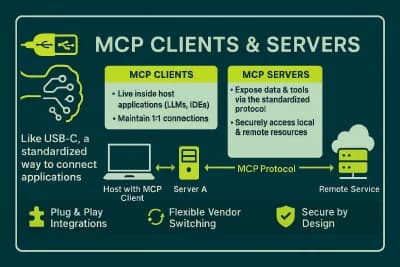
What is an MCP server and how does it work?
MCP servers and clients connect AI tools such as Claude, Cursor, and ChatGPT to thousands of external systems via a standard protocol.